You can access it here https://manage.yarnmesh.ai/, and then you just point it at your IMS server and use your username and password like normal. You only need the domain name, so for example bhmet.ftpsolutions.co.nz not the https://.
Enter your IMS login username and password: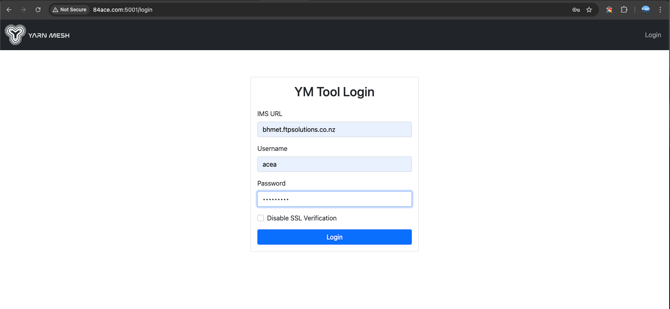
Set some filters and press Go: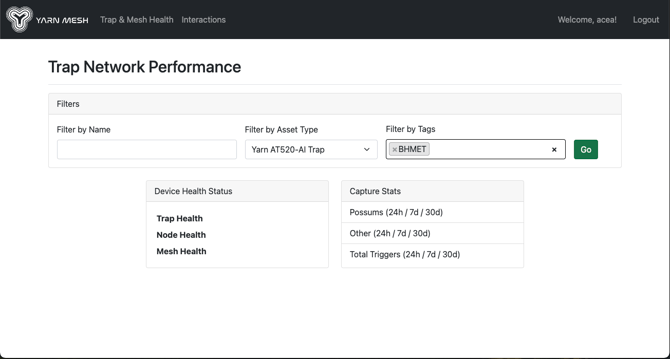 …
…
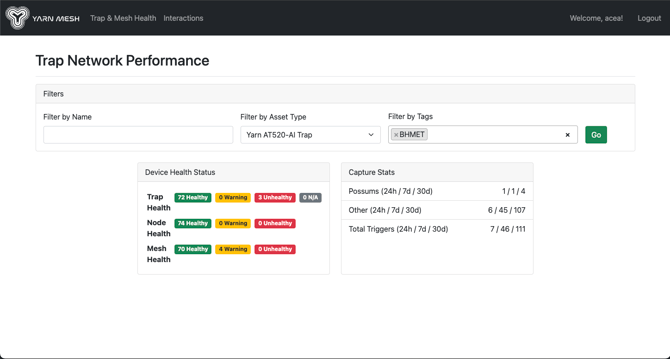
Then over to Trap & Mesh Health:
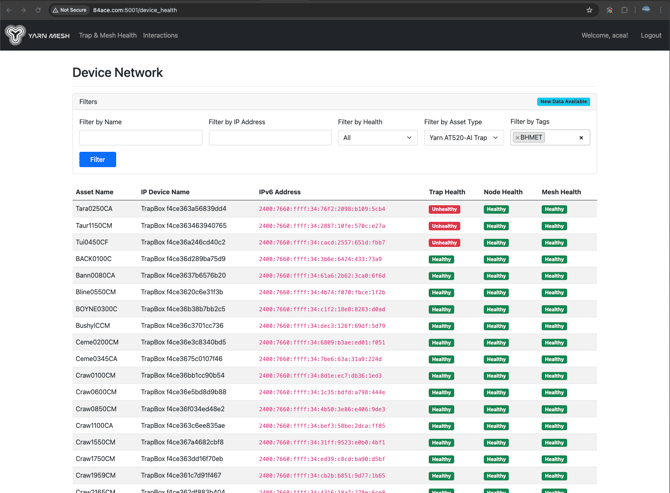
Then into an unhealthy device:
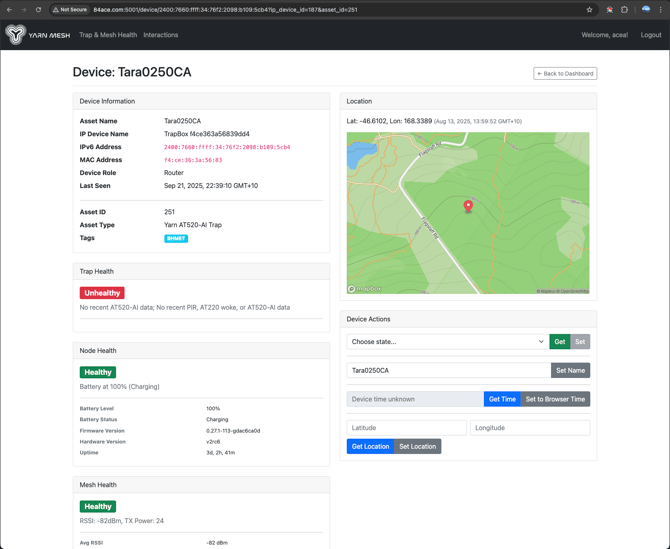
And then into interactions:
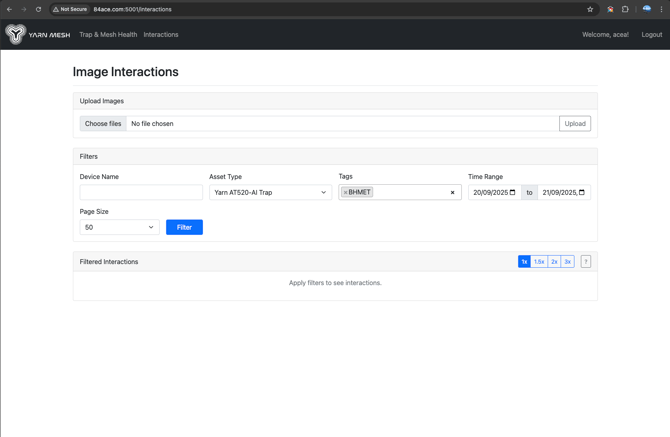
Same again, set filters:
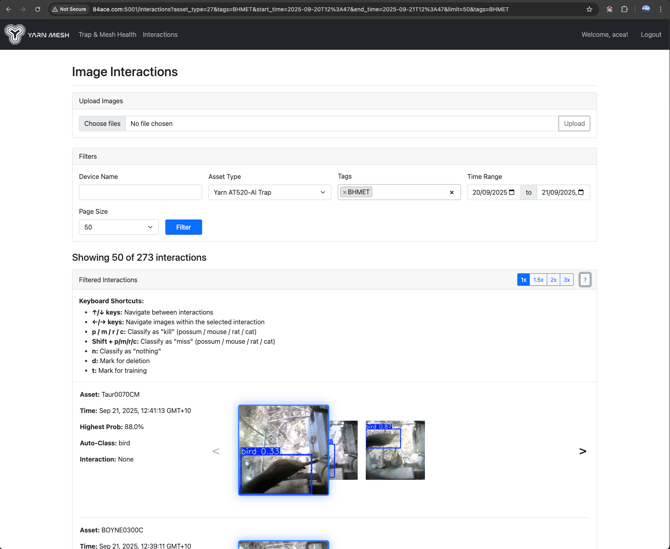
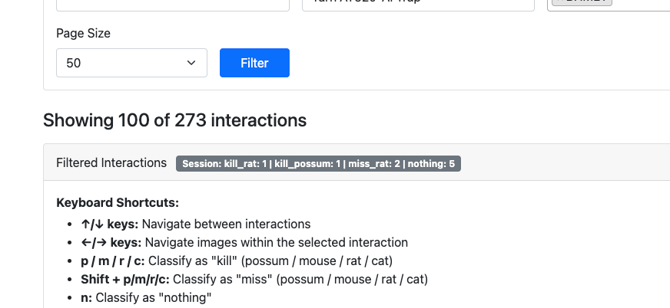
Keyboard shortcuts for classifying the interactions are working:
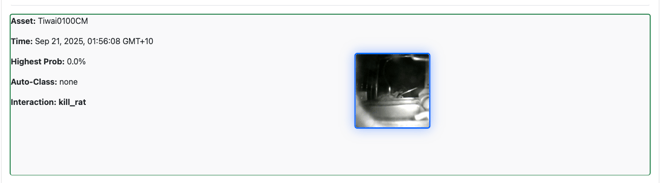
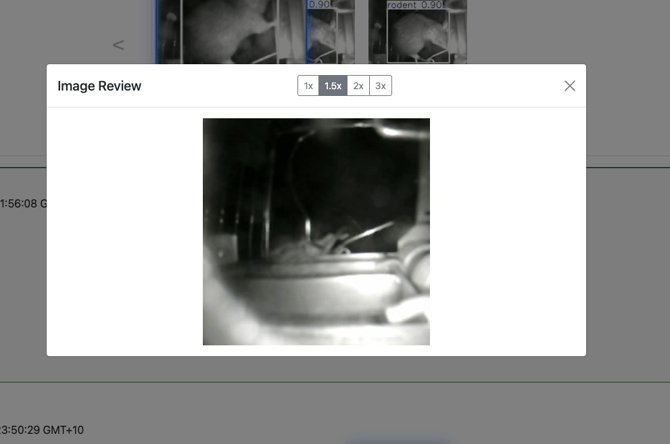
Click an image for a modal popout (keyboard controls are captured by the modal):
Then, ideally, you’d do all your interactions and go back to the top and it would give you a summary: