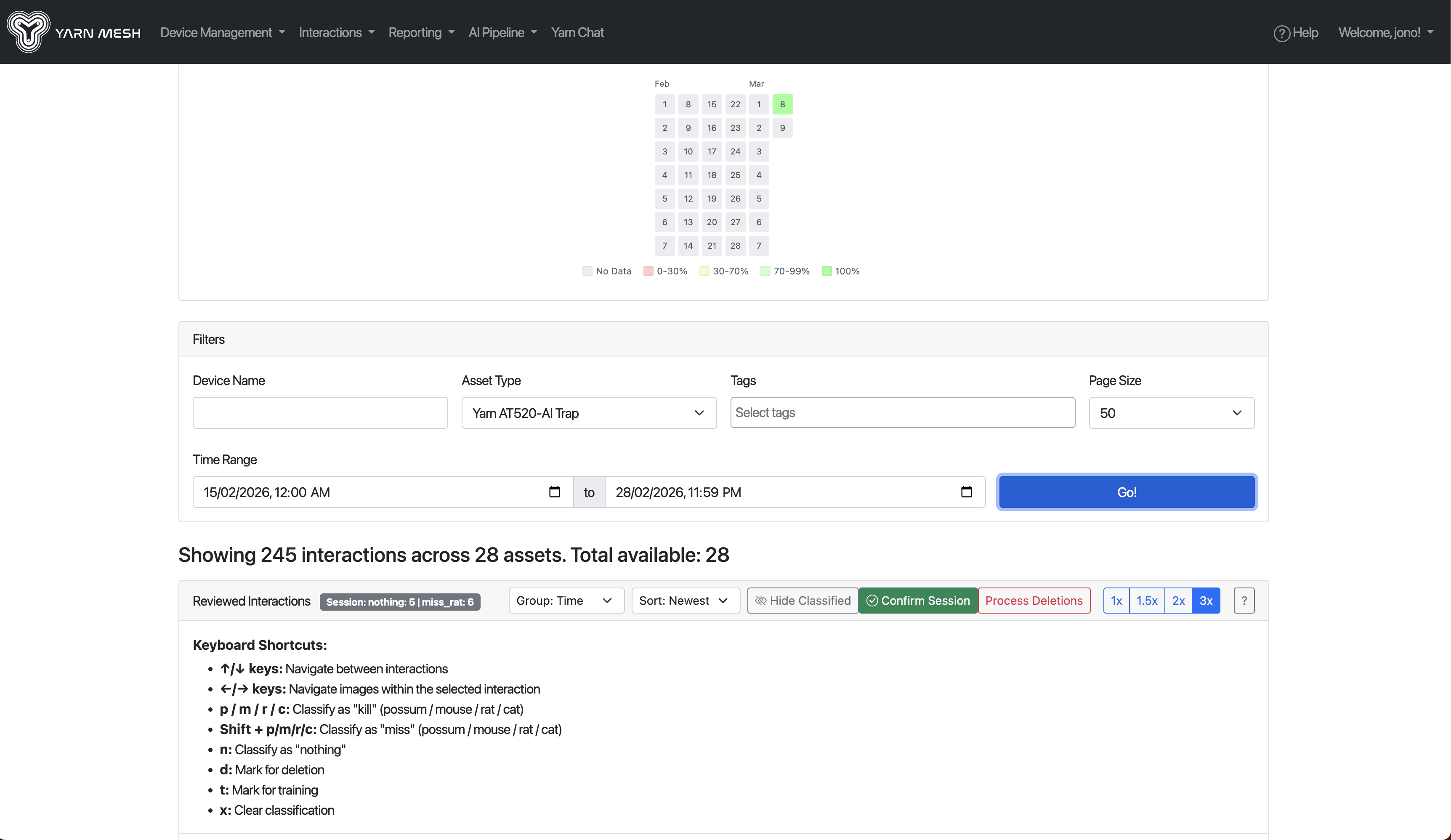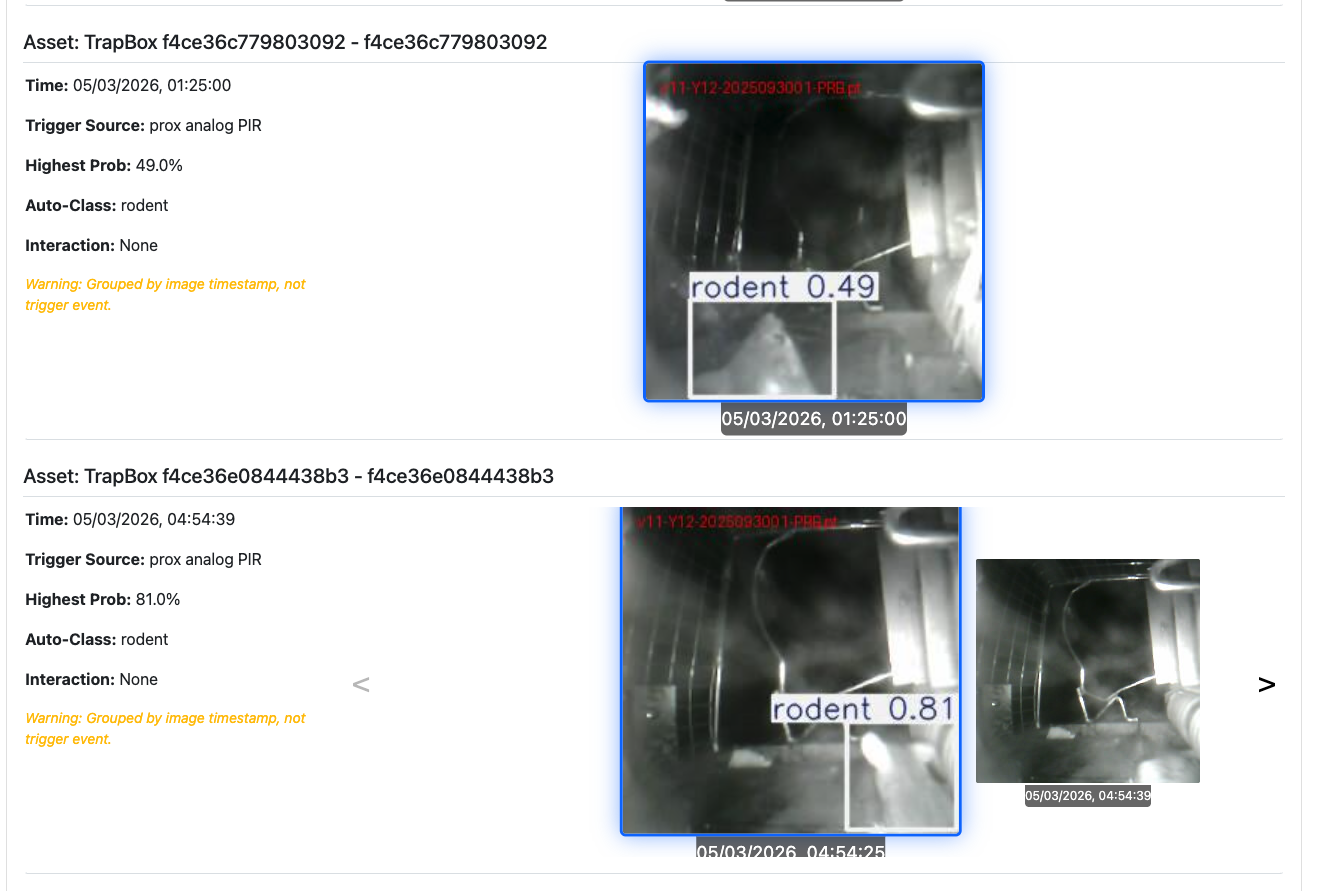
You can mark edge case images for adding back in to the AI classification model training pipeline by reviewing your AT520 and TrailCam interactions in https://manage.yarnmesh.ai > Interactions > Interactions and pressing the the ’t’ key (train), to add the image to the image classification training pipeline.
Up/Down arrow keys navigate between trap interaction sequences.
Let/Right arrow keys navigate thru images in each interaction sequence.
p/m/r/c key classifies the interaction as a ‘kill’ for either Possum, Mouse, Rat, Cat.
Shift + p/m/r/c key classifies the interaction as a ‘kill’ for either Possum, Mouse, Rat, Cat.
’n’ key marks as nothing.
’d’ key marks images for deletion (e.g. nothing or a spider web that is generating images that you would like to purge from the image archive.
’t’ key marks for images for training.
’x’ key clears classification
By reviewing your auto-classfied images you will improve model accuracy over time with using your site-specific data, it is also a review process for you to ensure that when you generate a report from using https://manage.yarnmesh.ai > Reporting > Dashboard that interactions vs kills data is accurate. It is also a great way to catch trap set and performance issues needing improvement or maintenance early.